

Share a Show to Your Social Channels in One Tap
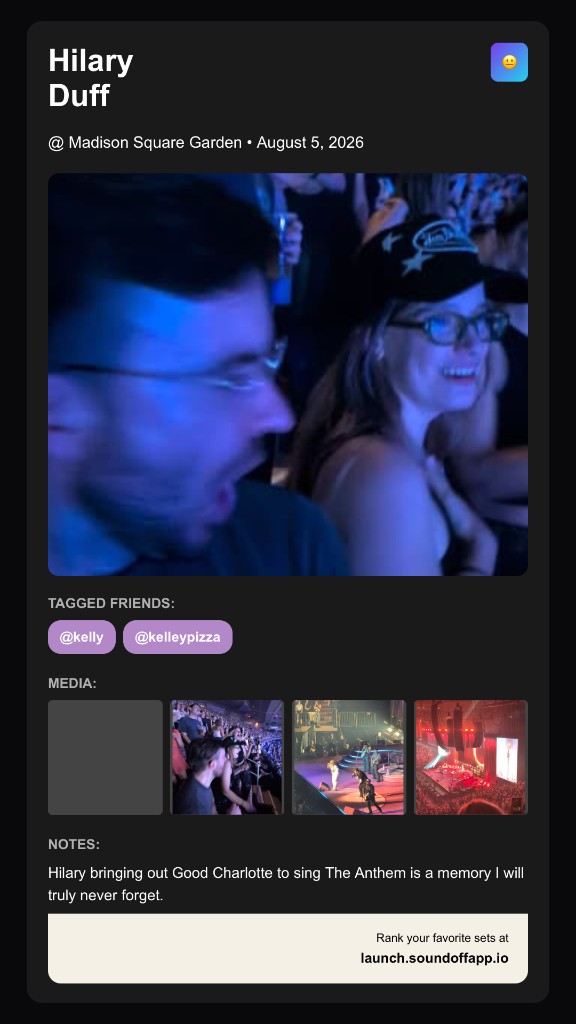
Telling people you’re going to a show used to mean a screenshot of the ticket confirmation email, cropped badly, with your card number half-visible if you weren’t careful. Event story cards fix that with a purpose-built vertical card, generated straight from the event, ready to post in one tap.
You’ll find the share option wherever you’d expect it: from the Home feed, inside Discover, and on your profile’s upcoming shows. RSVP to an event, tap share, and SoundOff builds a clean, on-brand card with the artist, venue, and date, styled like the kind of polished announcement card you’d get from Partiful or a Spotify wrapped share, not a raw screenshot.
From there it’s built for your social channels (Instagram, TikTok, Snap, etc.), sized right for a story and ready to drop in without any cropping or editing on your end. Prefer a plain link instead? Copy link is still sitting right next to the share button, no story card required.
This is the tool for the “I’m going” moment, the one where you want your crew to see it before the show even happens, not after. RSVP to something you’re excited about and share the card. It takes less time than typing out a caption.