

Your Logged Sets, Full Screen
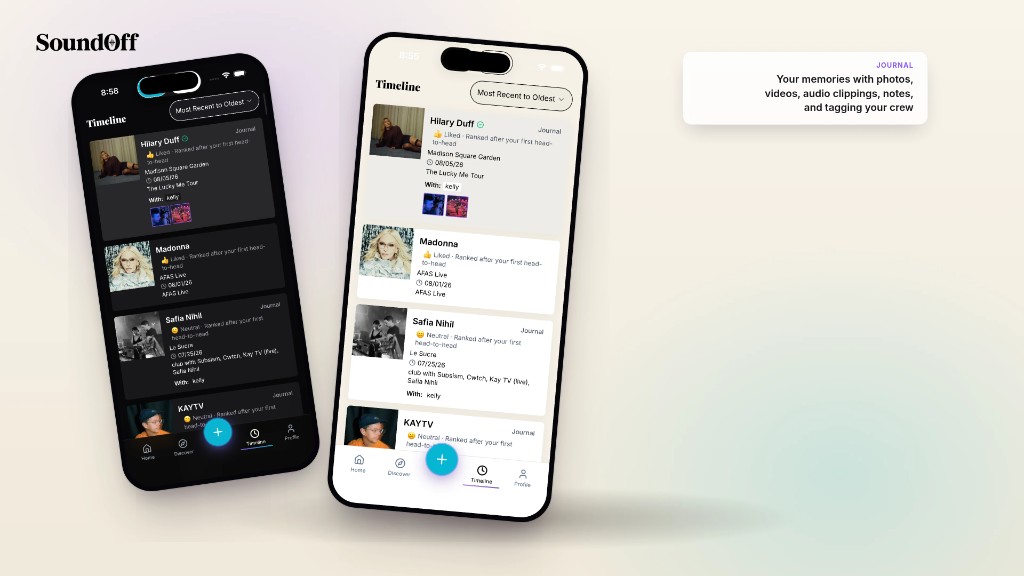
A concert log is only as good as the entry feels to look back on. A cramped list row with a tiny thumbnail doesn’t do a good night justice. So when you tap into a logged set on SoundOff now, it opens full screen, post-style, the layout you already know from every other app where photos matter.
The media you added leads. Photo, clip, whatever you captured that night, front and center as the hero. Artist, venue, and date sit clearly underneath, followed by your notes, and setmates if you tagged anyone. It’s built to be looked at, not just filed away.
Tap the options sheet and everything you’d want to do with that entry is one tap away: edit the details if you got a date wrong, share the set to your social channels (Instagram, TikTok, Snap, etc.) or send it straight to a friend, rank it against your other shows, or change who can see it. Privacy lives right there too, so a set you want kept just for you stays that way without digging through a settings menu.
This is the same view whether you’re revisiting a show from three years ago or one from last night. Your whole concert history, presented like it matters, because it does.
Open your Timeline and tap into any set to see it.